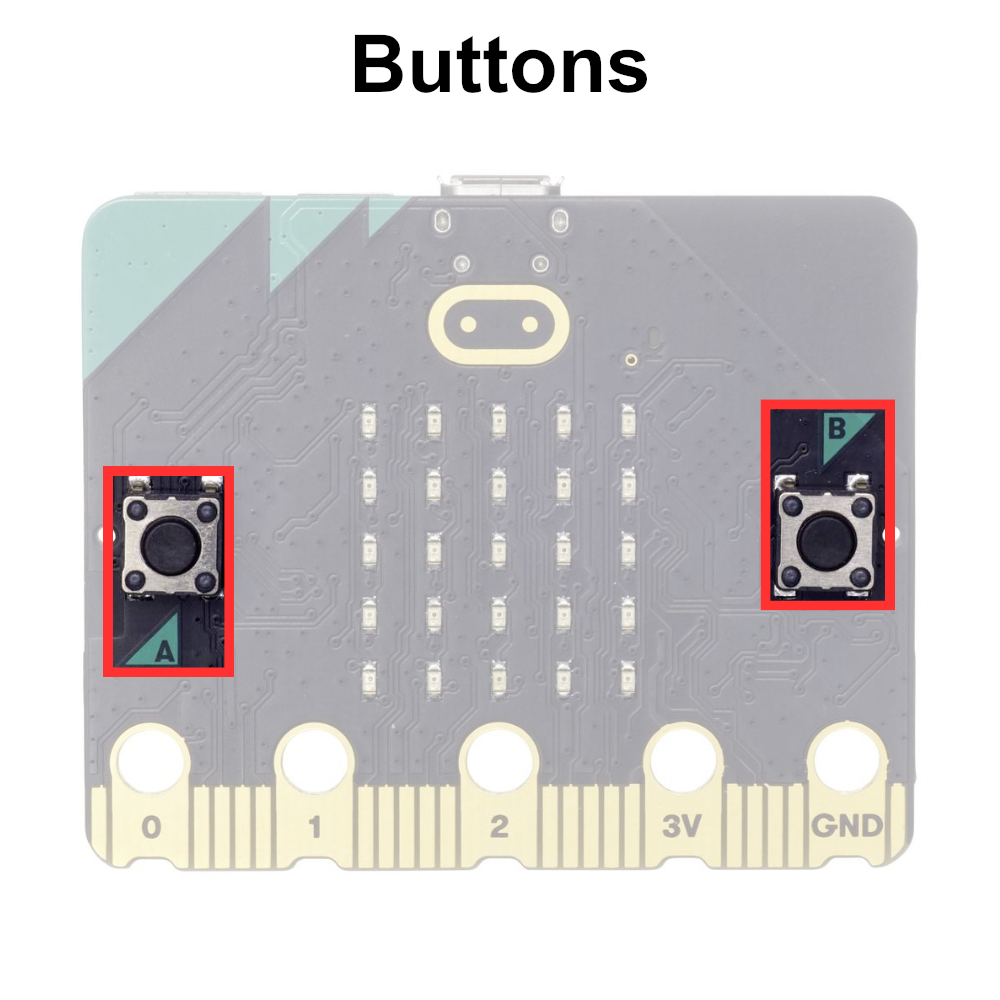
The A and B Buttons#
The micro:bit has two programmable buttons labeled A and B, which provide a simple and intuitive input mechanism for interacting with the device. These buttons are tactile switches located on the front of the microcontroller board, making them easily accessible for users.
Button A and Button B can be used to trigger events, initiate actions, or control functionality within micro:bit programs. They can be programmed to respond to single presses, double presses, or long presses, allowing for various input options.
The A and B buttons are displayed below: