
Variables#
In mathematics, a variable is a symbol or letter used to represent an unknown quantity or a value that can change within a given context or equation. Variables are typically denoted by letters such as $x$, $y$, or $z$, and their values can vary depending on the conditions or constraints of the problem being considered.
In computer science, a variable is a symbolic name associated with a memory location that stores data. Variables are placeholders for values that can change during a program’s execution. They represent and manipulate different data types, such as numbers, strings, or objects, allowing programmers to work with dynamic information and perform computations.
Creating Variables with MakeCode#
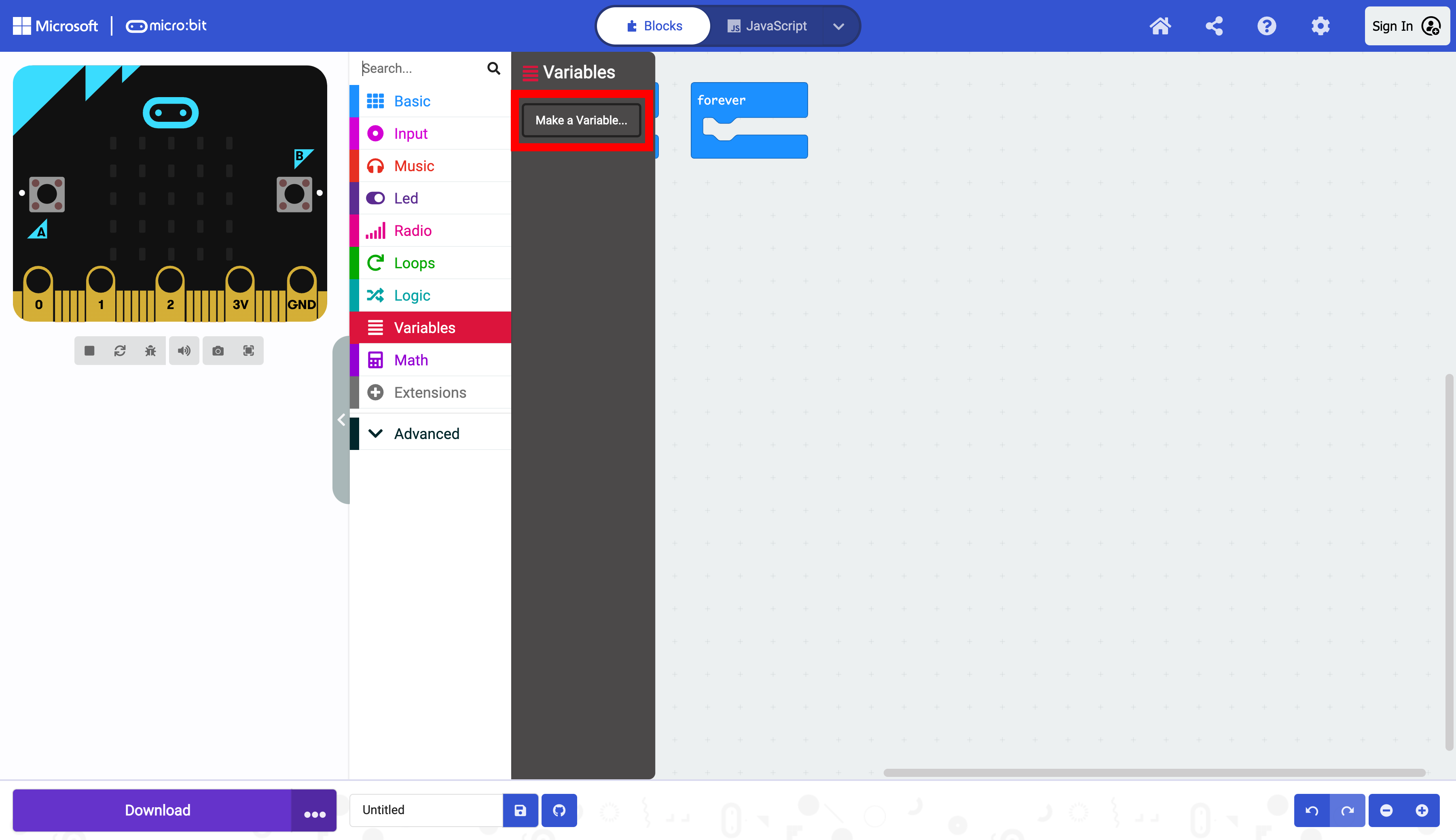
To create a variable, select “Variables” in the Toolbox, and selct “Make a Variable…”
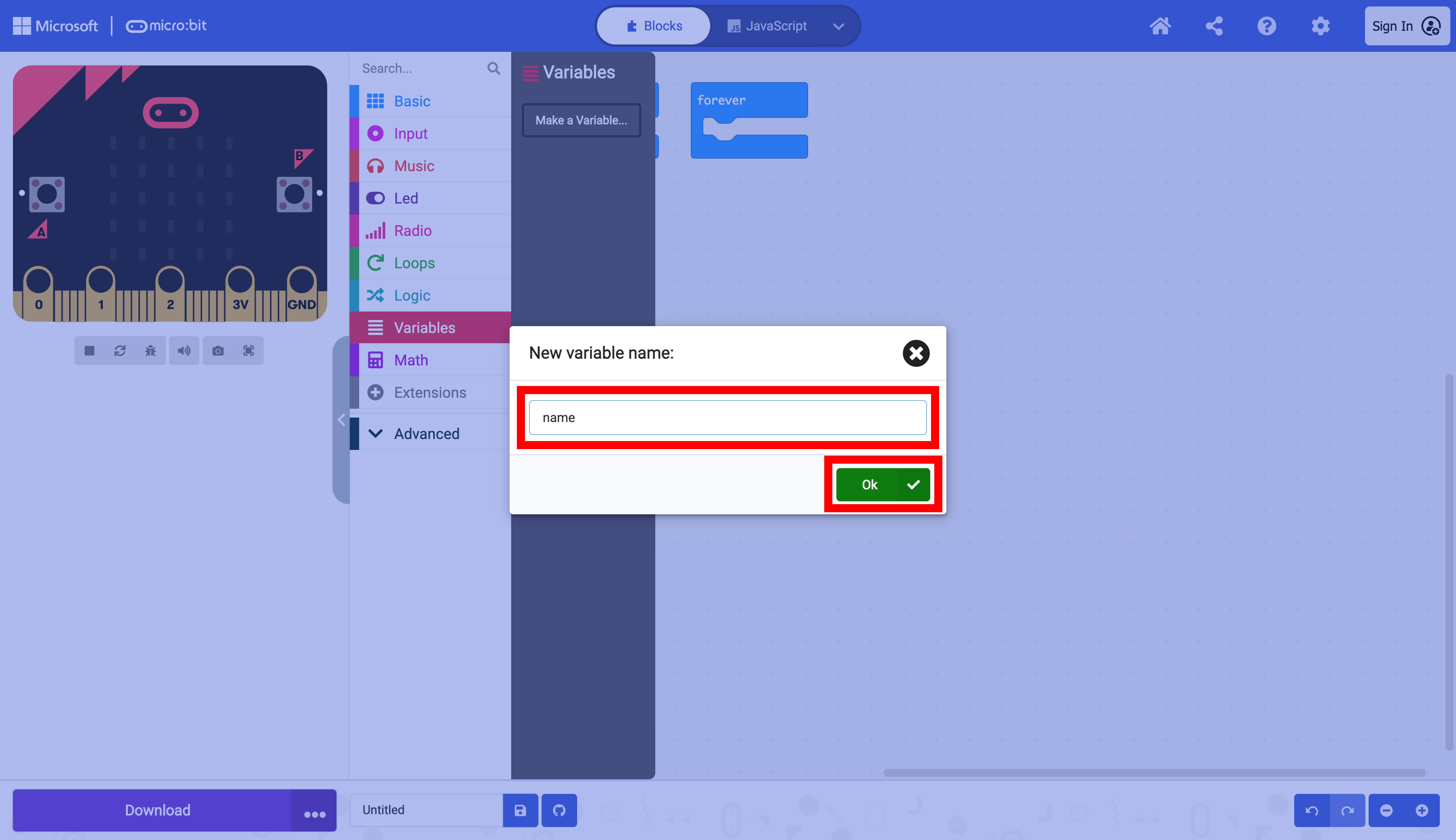
A window prompts the user to name the variable. After naming the variable to “name”, select “Ok.”
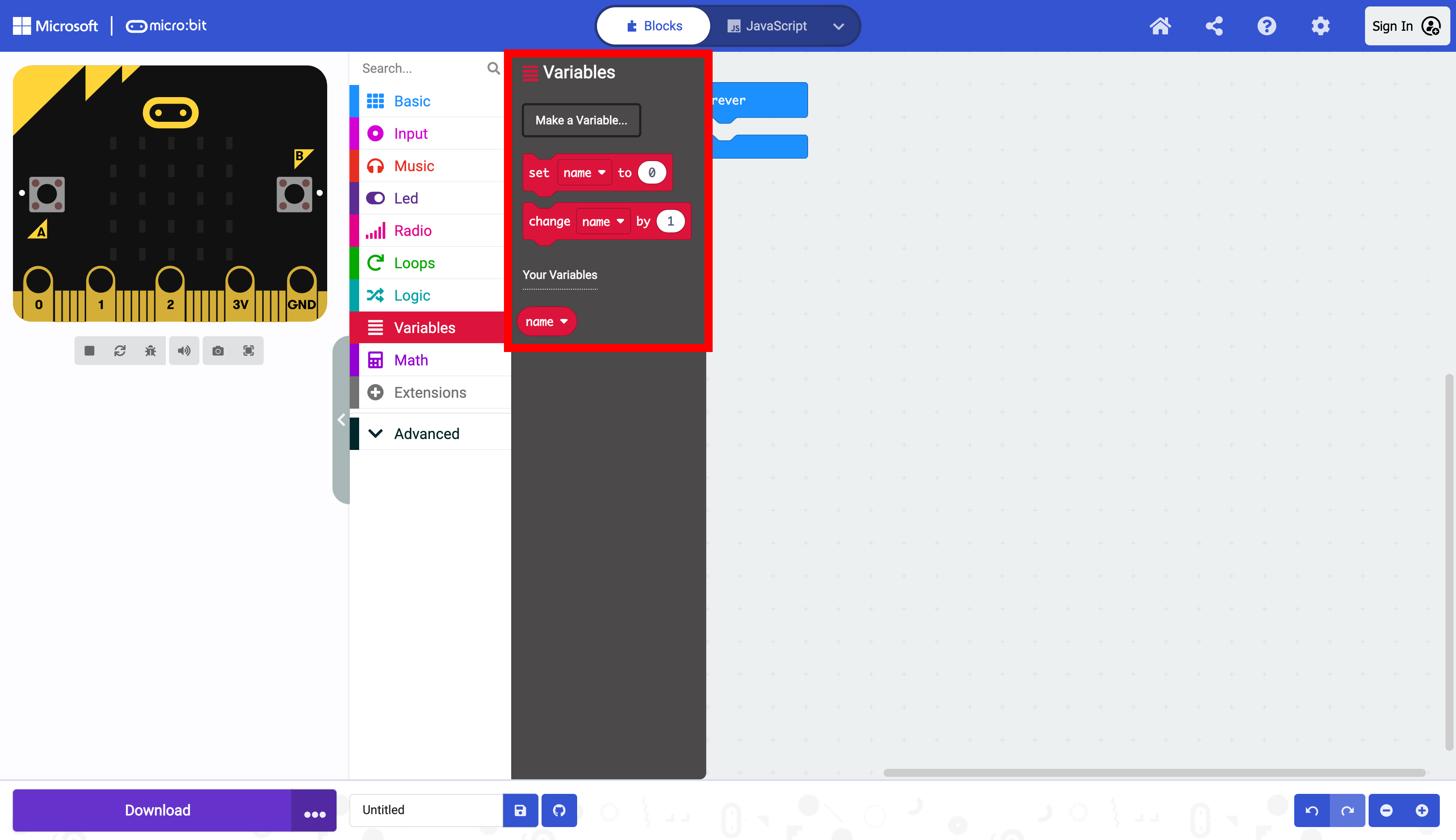
The name variable is now available to use in “Variables” in the Toolbox.
Assigning a Value to the Variable#
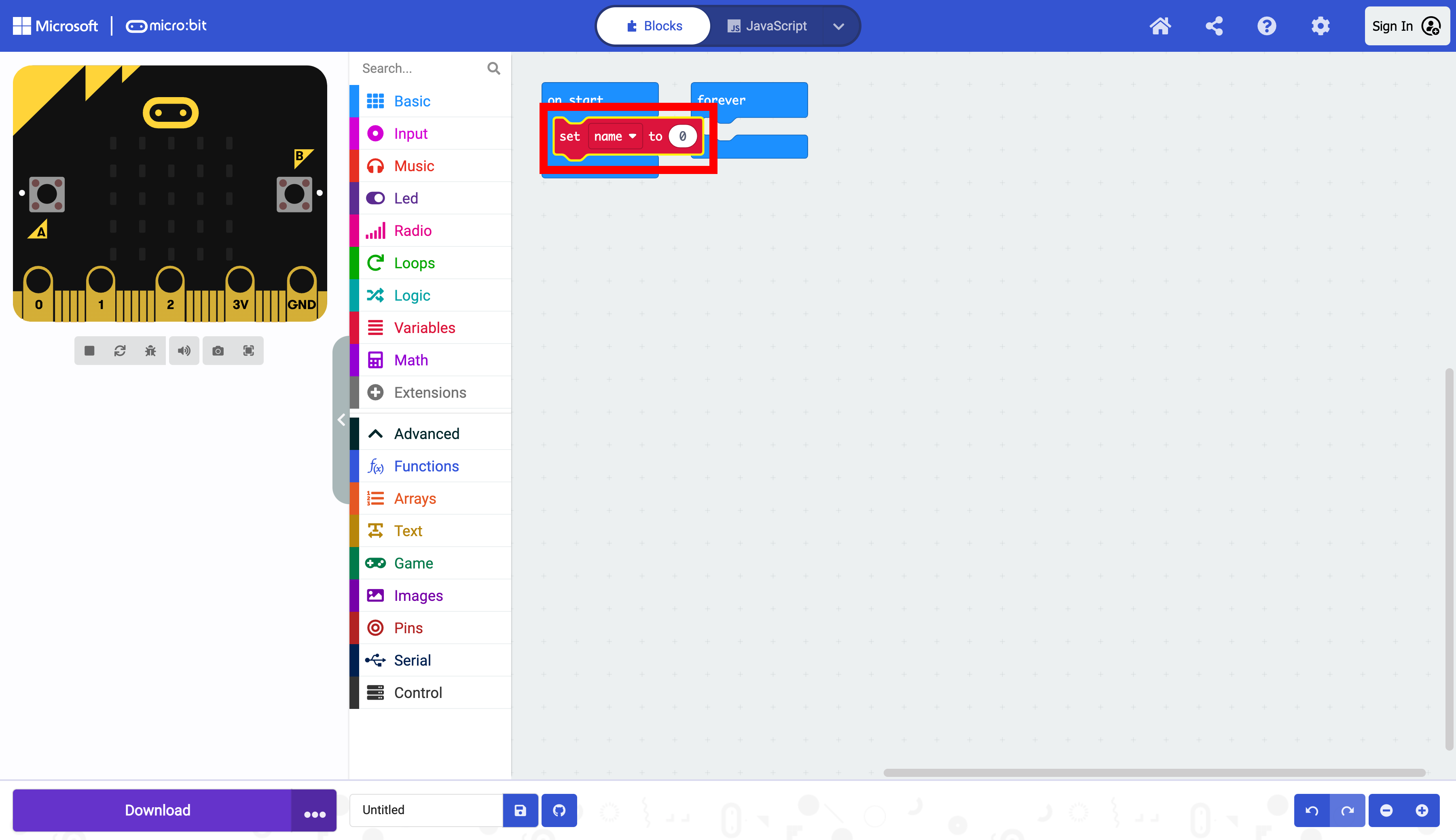
By default, MakeCode variables are numbers, as seen with the set name to 0 block below. This can be changed after the variable is dragged to the Workspace.
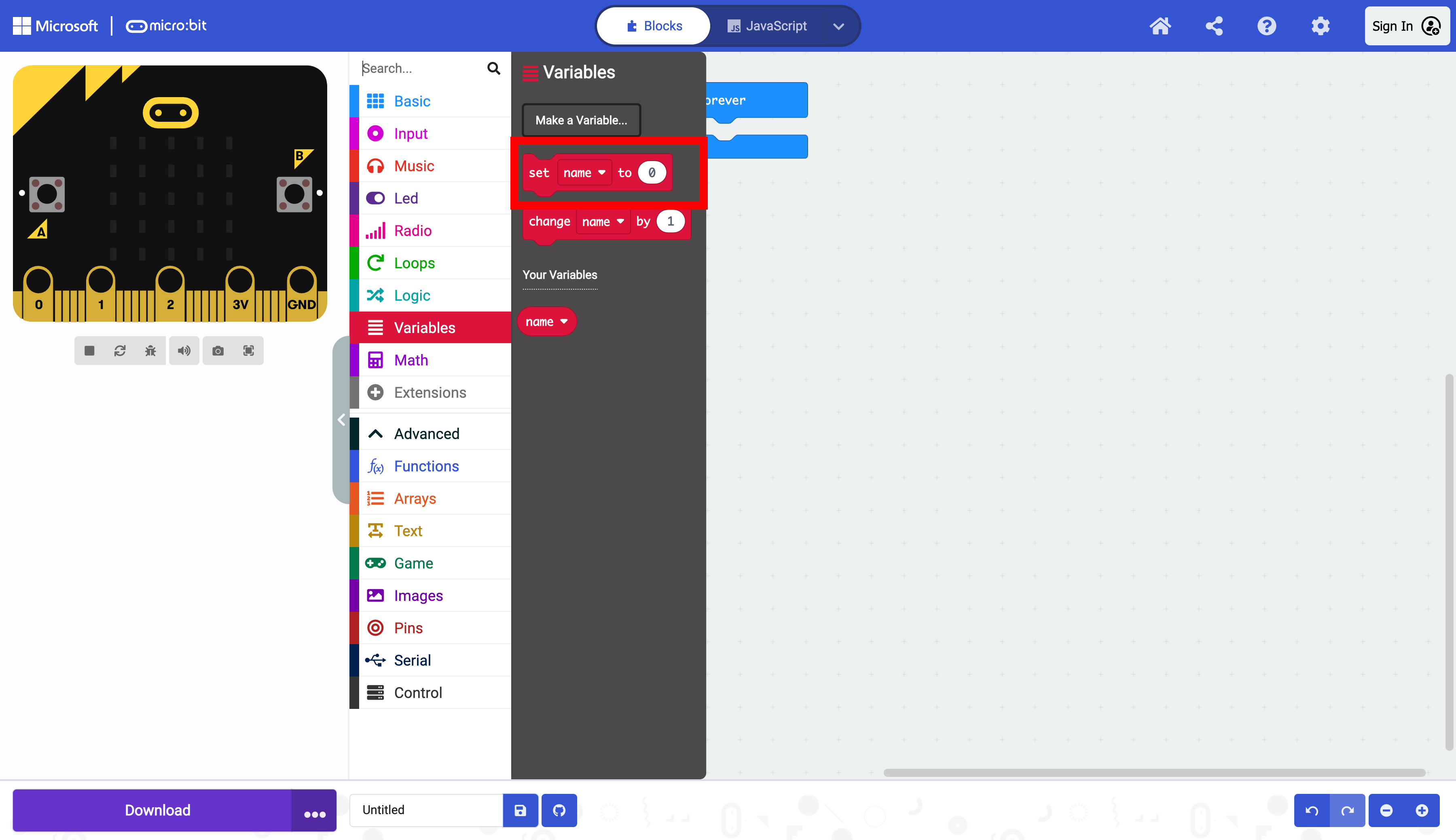
Drag the set name to 0 block into the on start block into the on start block.
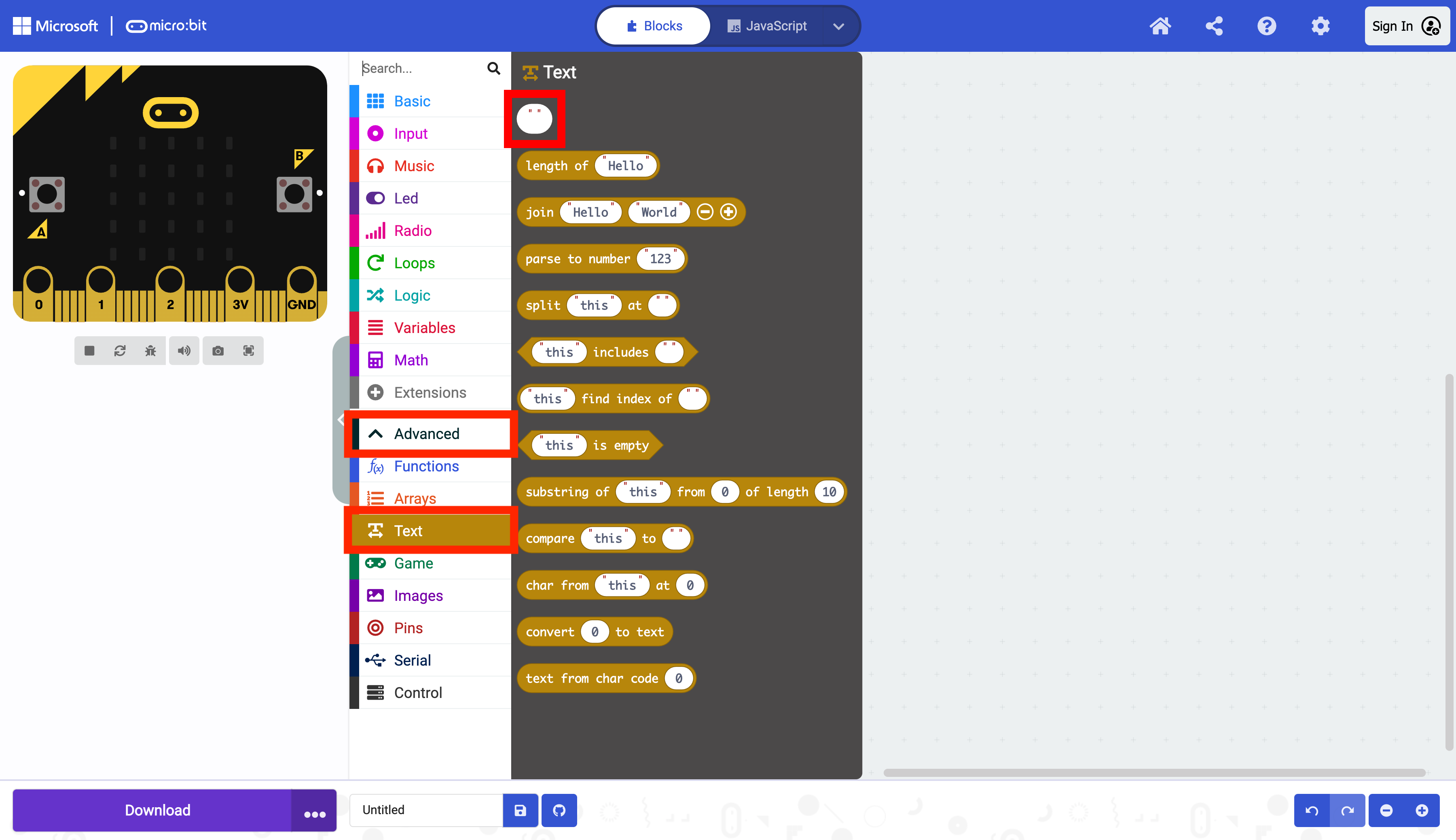
Select “Advanced” and “Text” in the Toolbox to set the variable to a string. Select the MakeCode string block 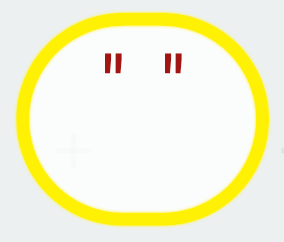 . TODO:FIX THE IMAGE SIZE
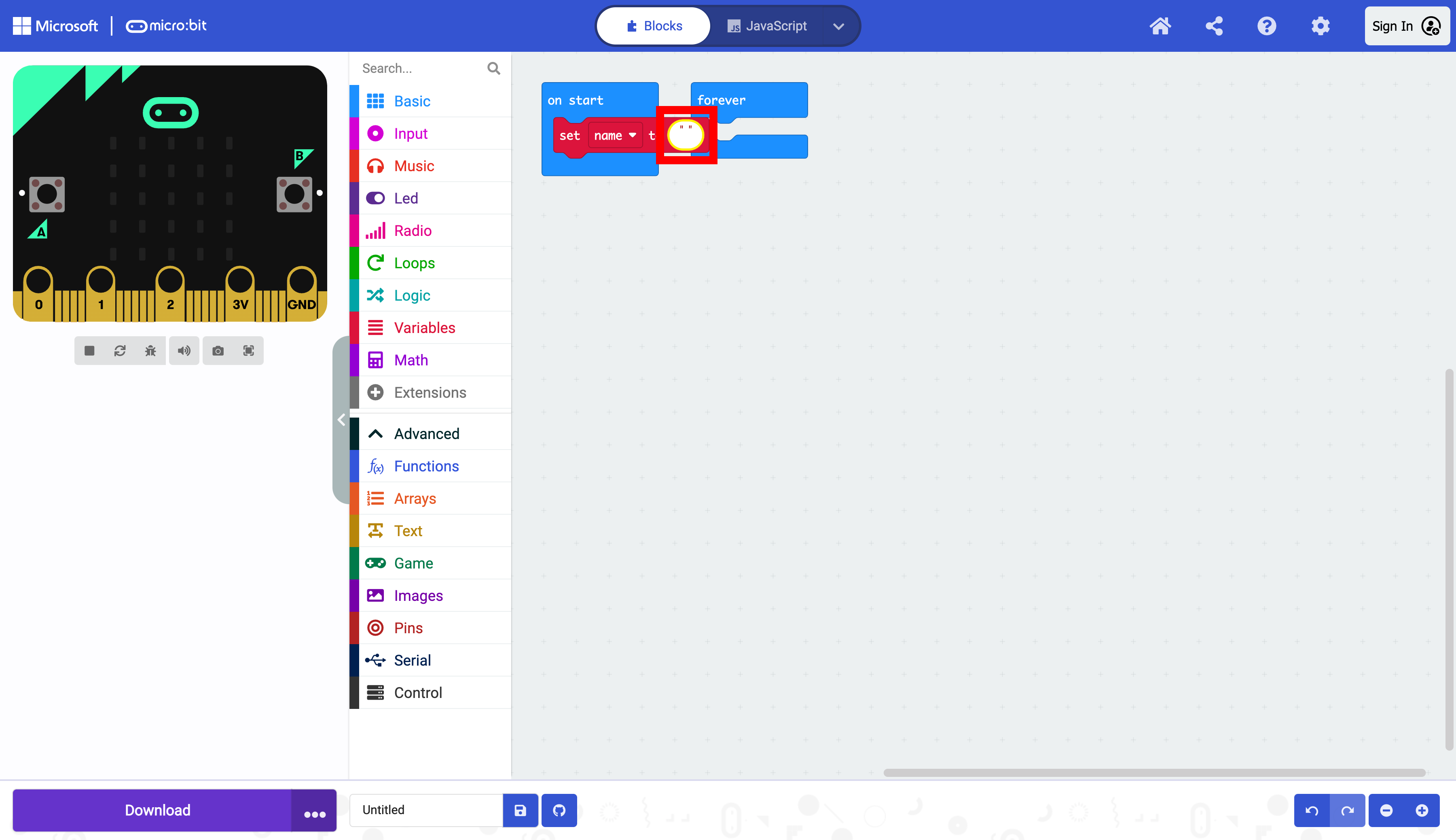
Change the type of the name variable from a number to a blank string. Enter a name for the value of the name variable.
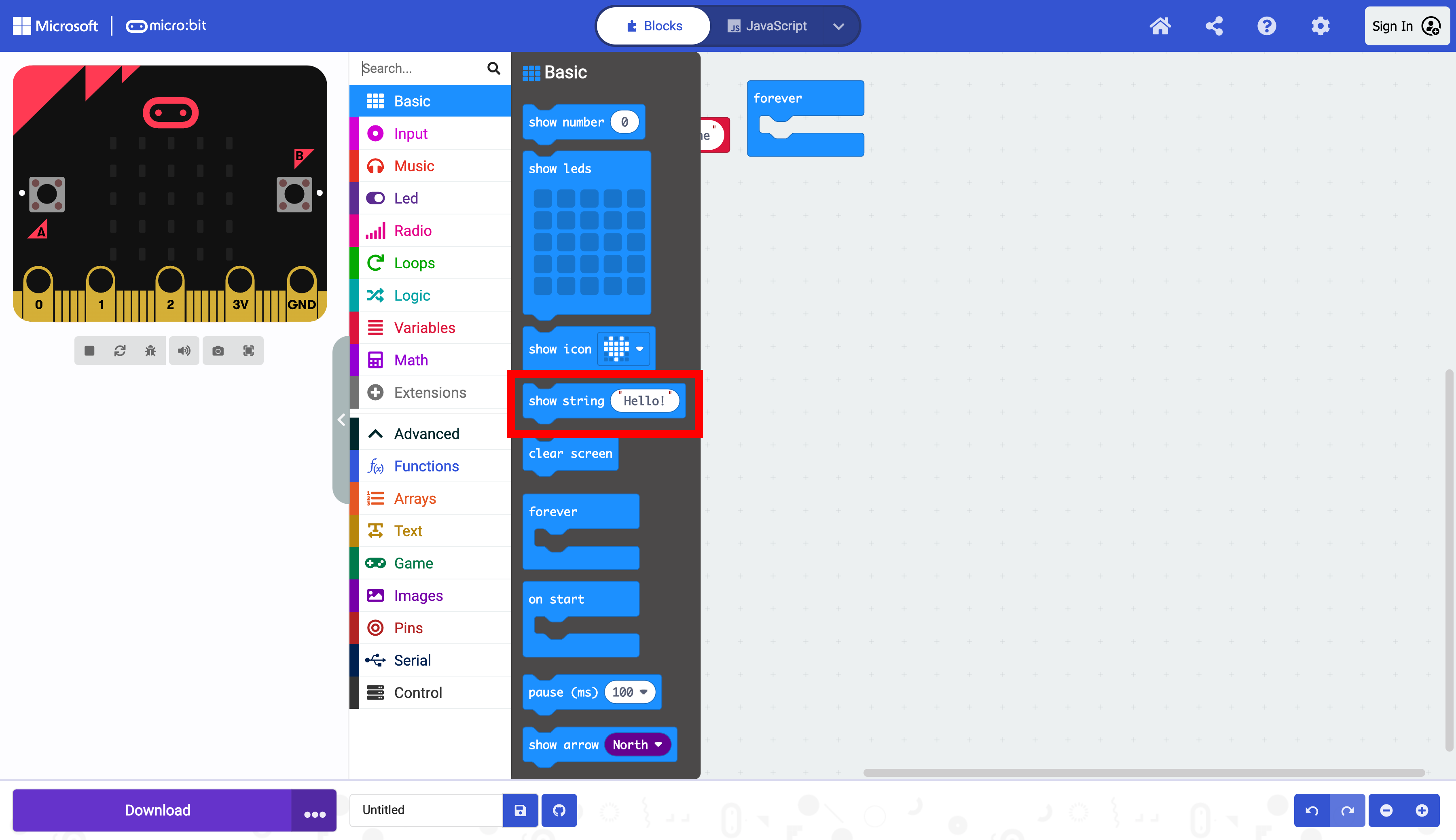
In the “Basic” section of the Toolbox, selct a show string block. Drag it into the forever block.
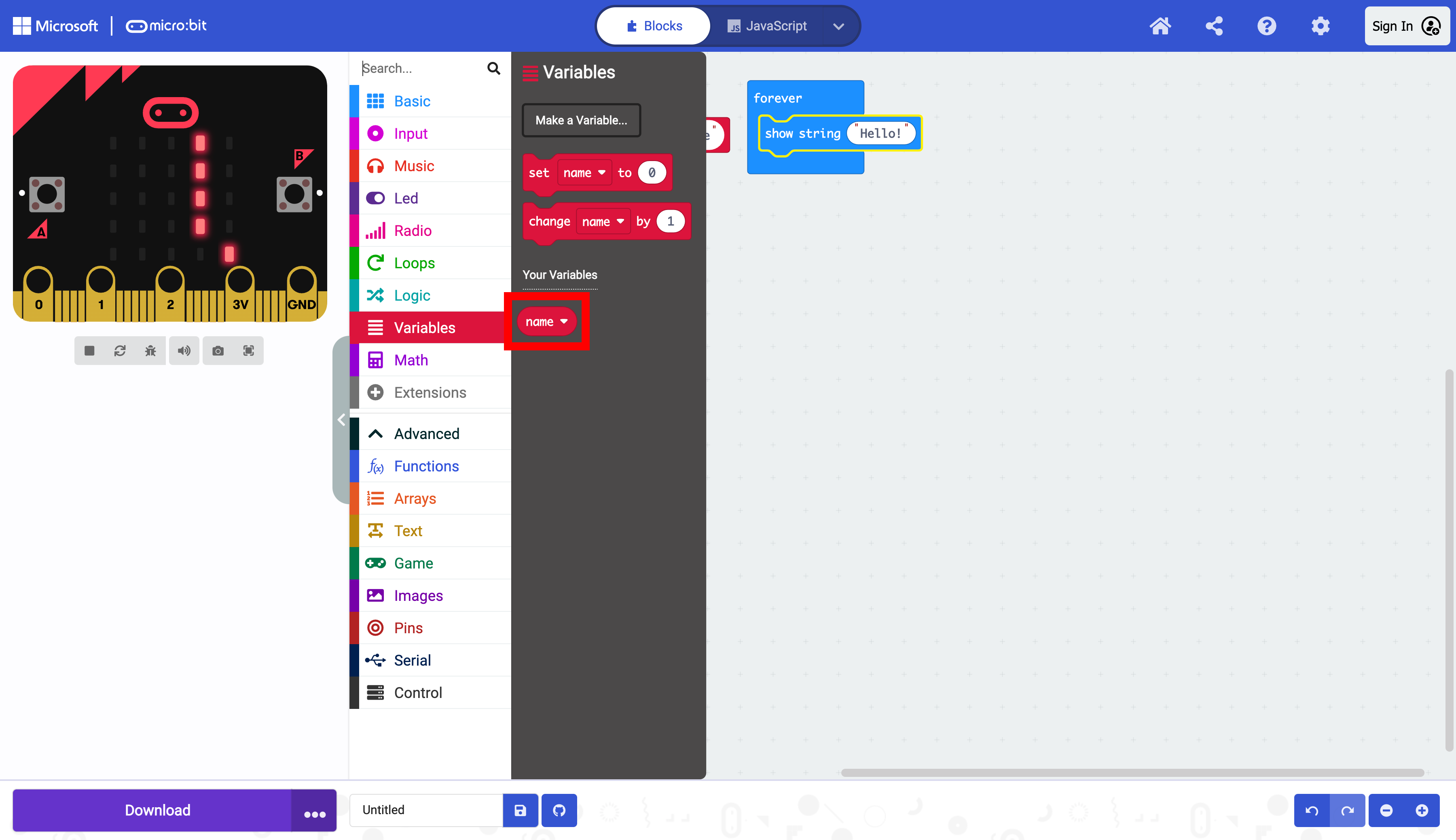
In the “Variables” section of the Toolbox, select the variable name.
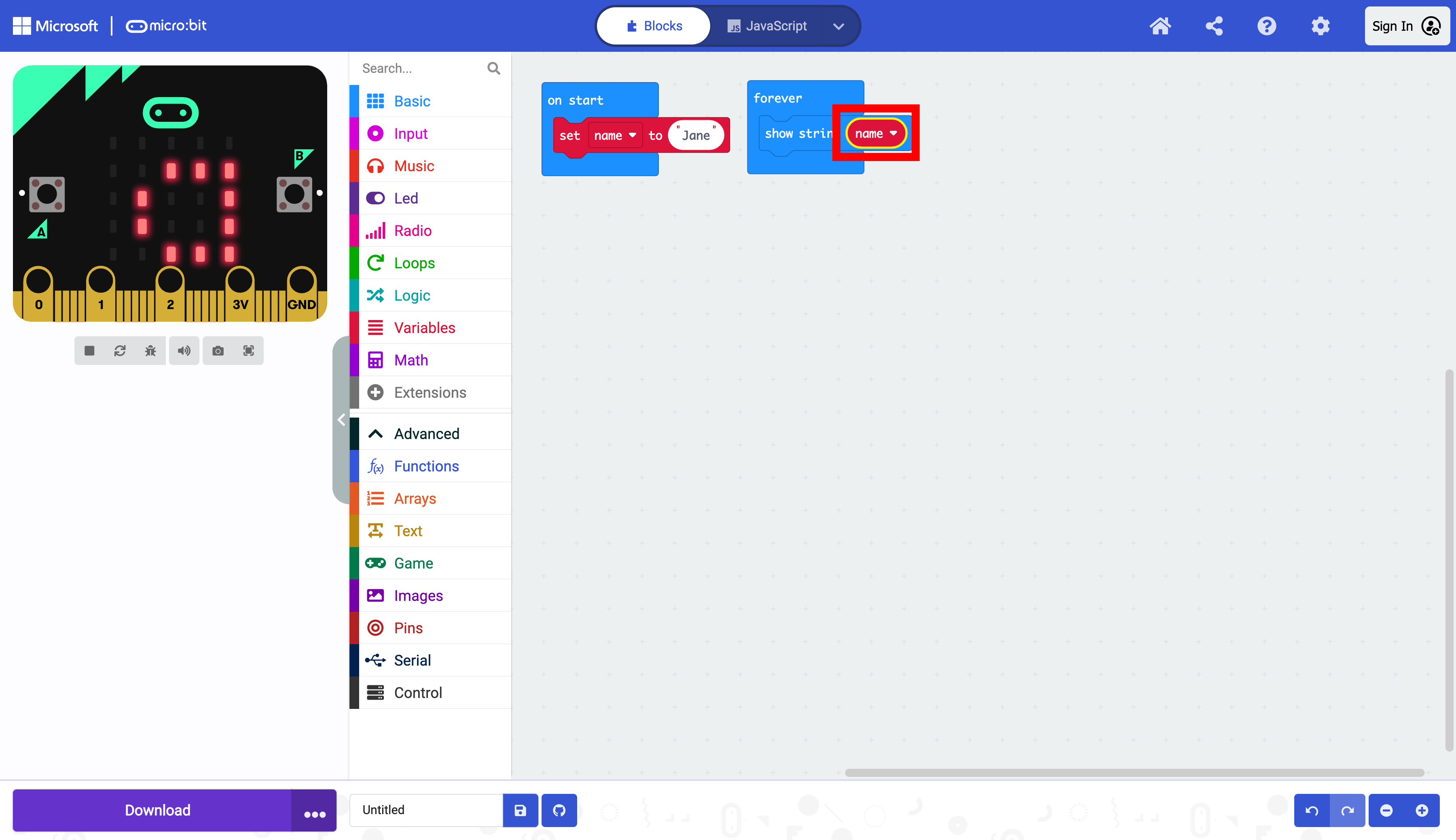
Drag the name variable in the show string block
TODO:THERE IS A STEP MISSING FROM THE SCREENSHOTS. THIS MAY REQUIRE A REDO.