
Displaying Strings#
To display a string on the micro:bit 5x5 LED matrix using MakeCode, use the show string block.
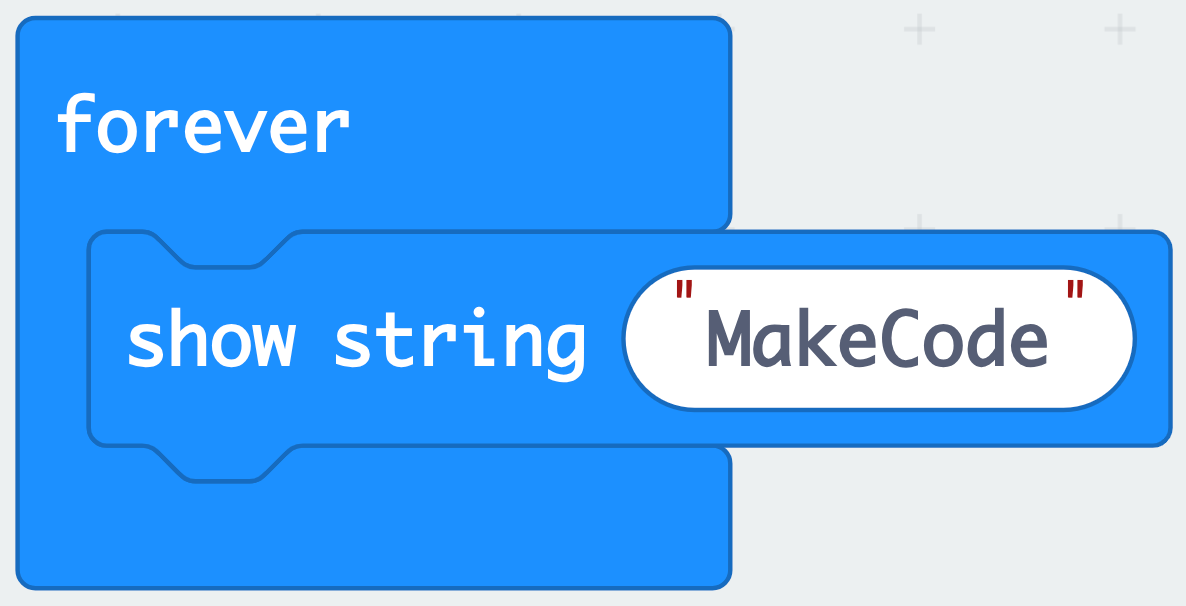
The string "MakeCode" will be displayed on the 5x5 LED matrix in the following example.
Displaying Strings in MakeCode#
show string Block#
The show string block is located in the Basic section of the Toolbox.
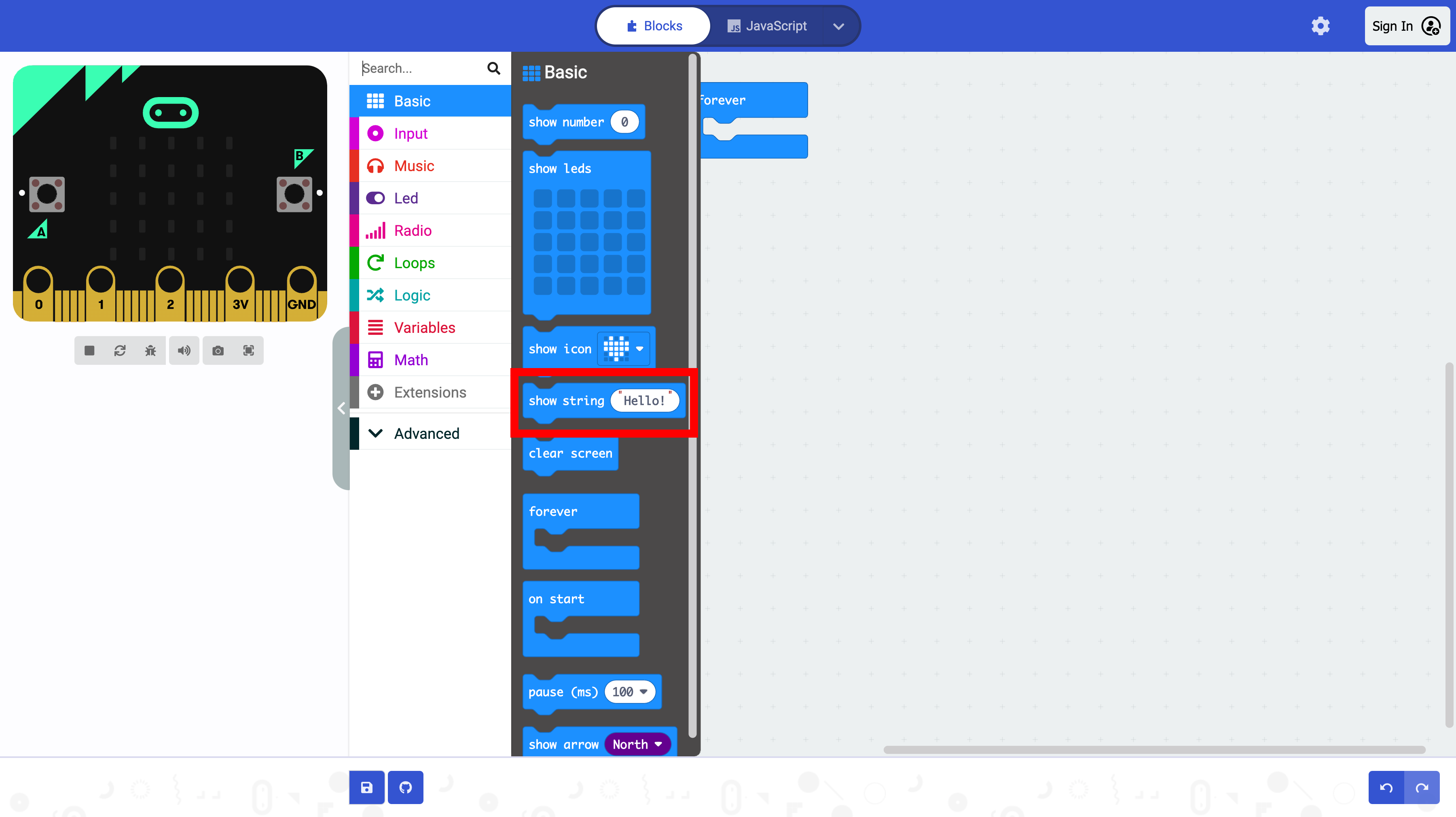
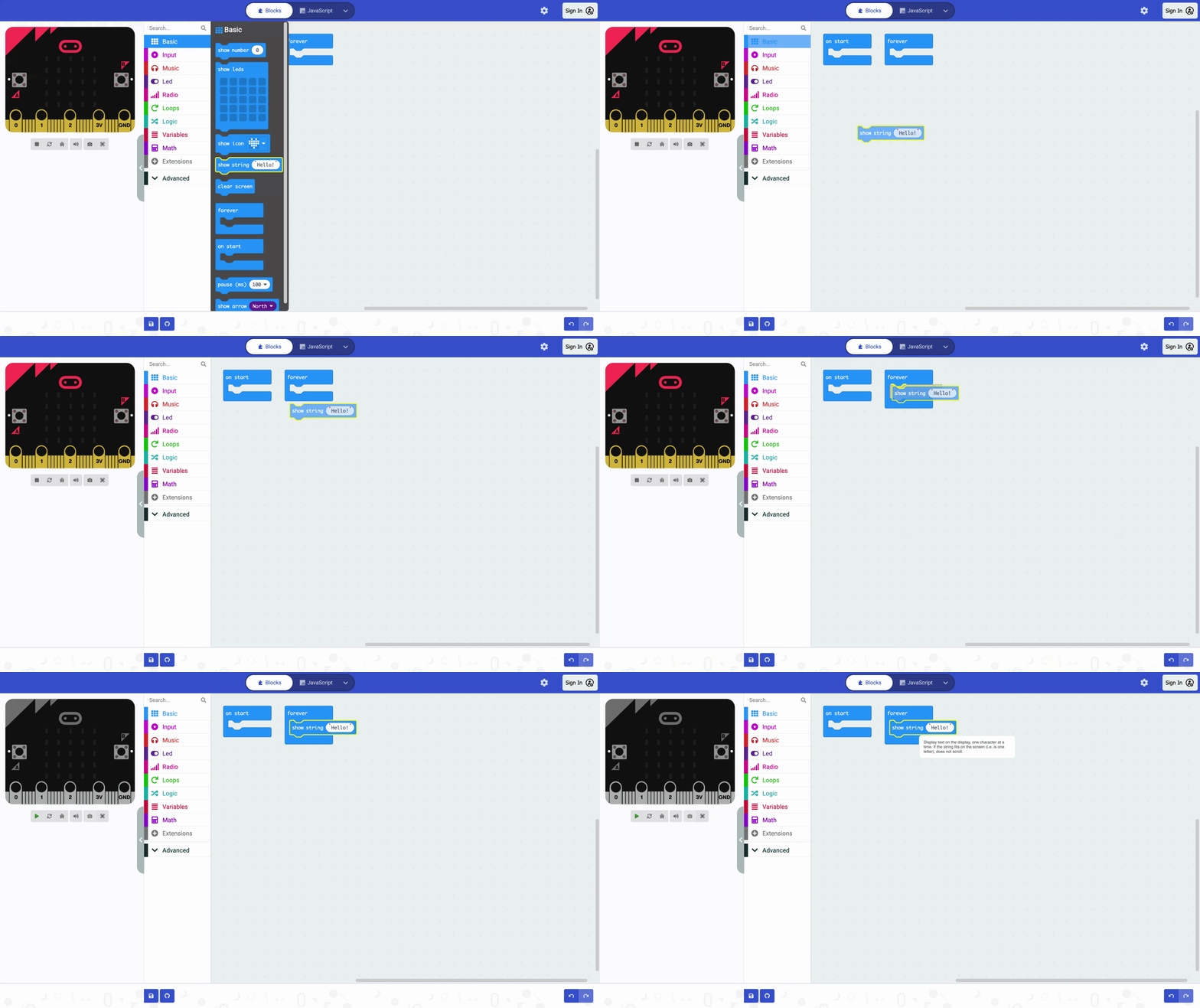
Drag the show string block into a forever block.
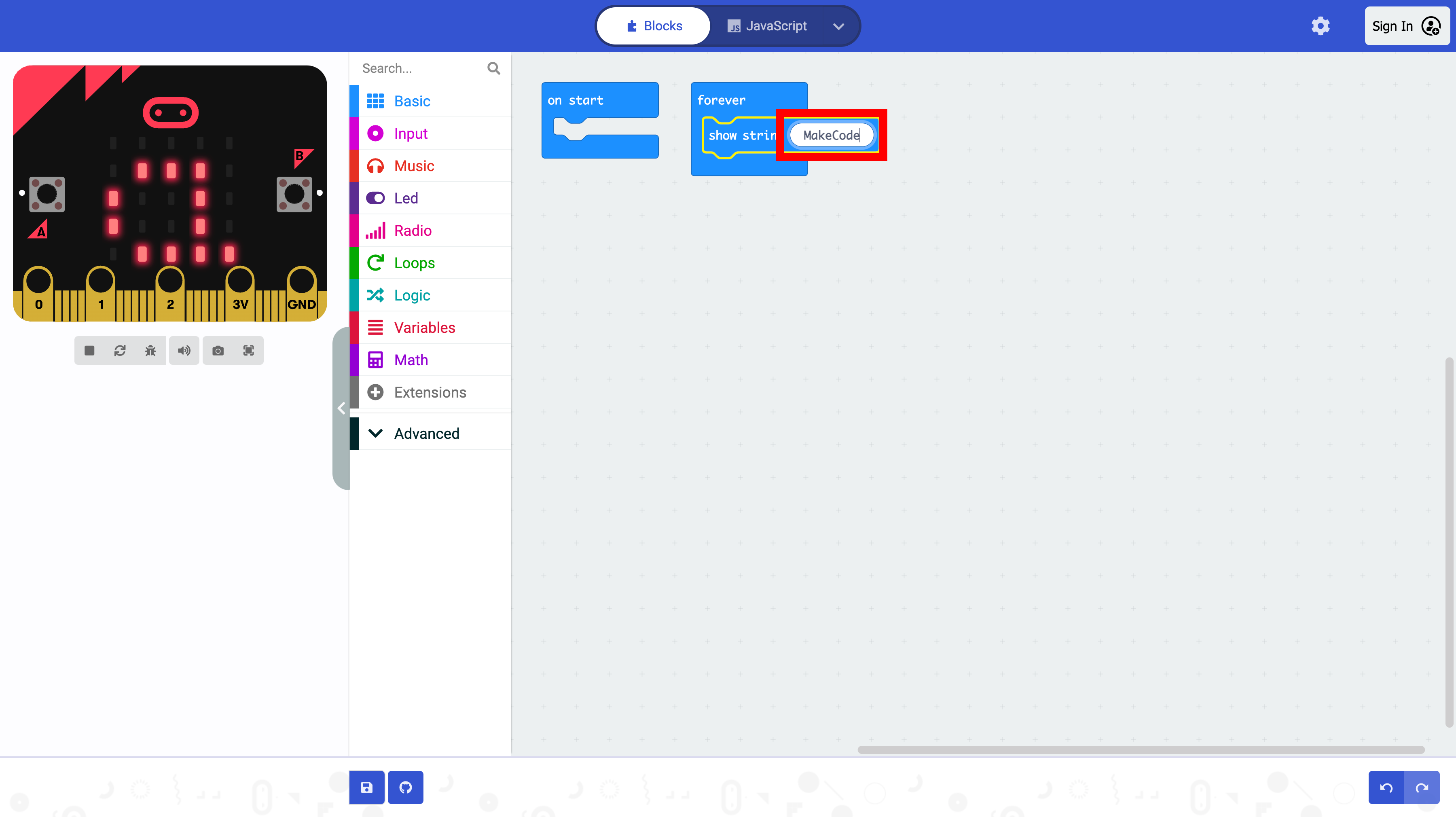
Change the show string block string from "Hello" to "MakeCode".
The code blocks should be as follows:
Test the code in the micro:bit simulator in the upper left corner of the MakeCode editor.
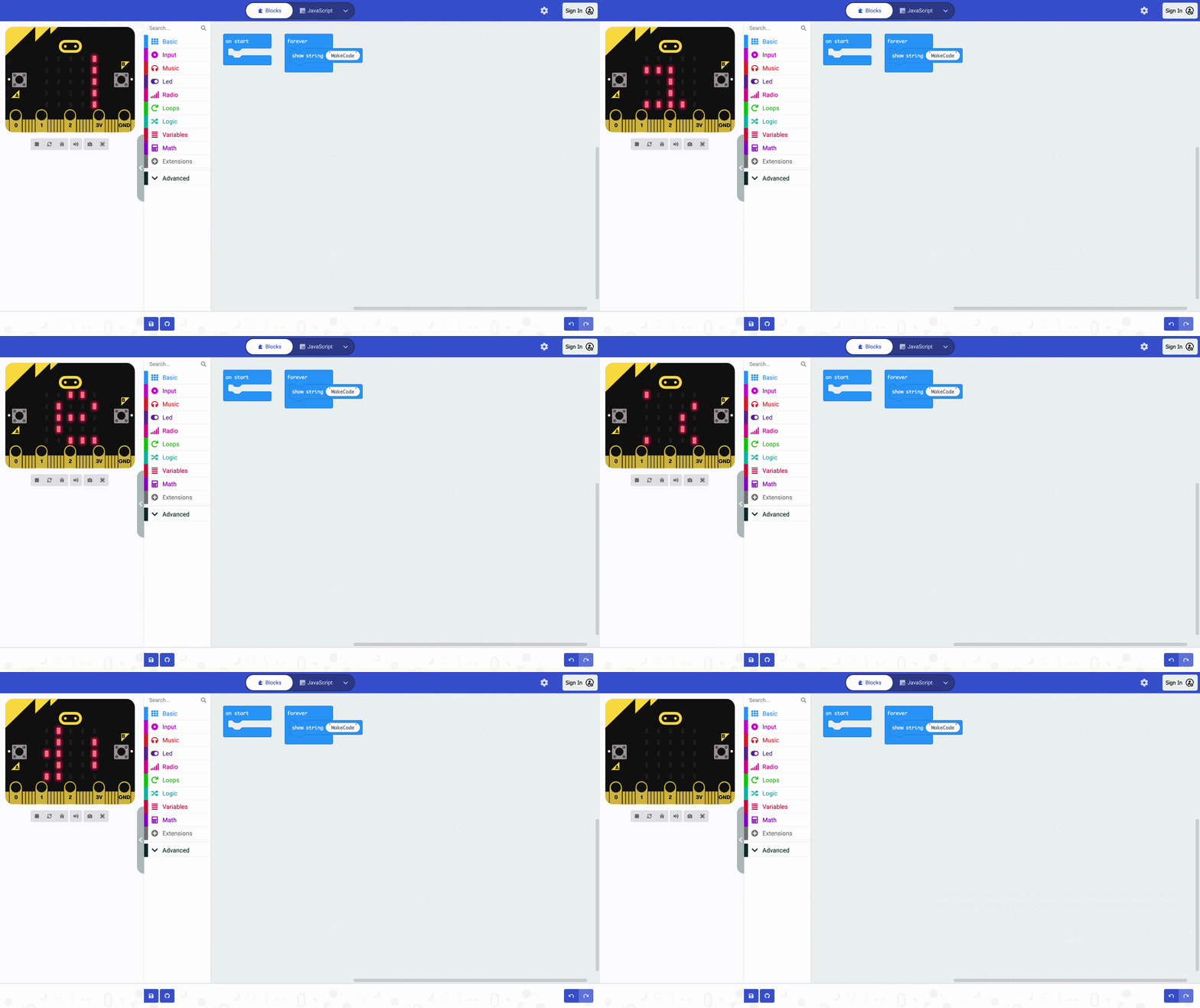
Run the code on the micro:bit. See TODO.
TODO:IMAGE OF CODE RUNNING ON DEVICE